
How to Use Fine Art Form to Prepare for a Successful Gallery Show
7 min read
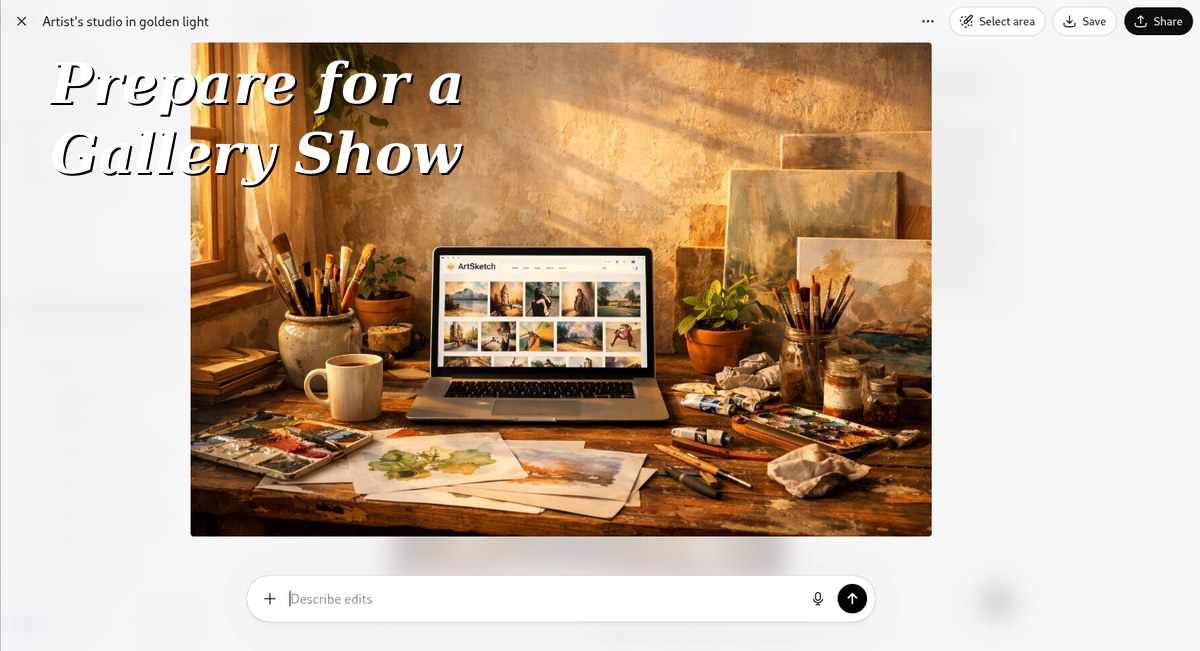
A gallery show is one of the biggest moments in an artist's career. It's also one of the most logistically demanding. Between curating the work, coordinating with the gallery, managing loans and consignments, pricing, promotion, and show-night setup — the details can pile up fast.
Fine Art Form was built for exactly this. Your portfolio platform isn't just a website; it's a command center. Here's how to use it to run a tight, professional gallery show from first proposal to final sale.
Start with a Dedicated Collection
The first thing to do when a show is confirmed: create a Collection in Fine Art Form specifically for it.
Go to Collections → New Collection and name it after the show (e.g., "Threshold — March 2026 Solo Exhibition"). This keeps your show work organized and separate from your general inventory.
As you select which pieces to include:
- Set their status to "Reserved for Exhibition"
- Add the show name to their notes field
- Double-check that dimensions, medium, and year are accurate — galleries will use this data for labels and catalogs
Pro tip: Add a "Show Notes" field in the artwork description with any story behind the piece. This becomes content for wall text, artist talks, and press materials.
Audit Your Inventory Before You Commit
Nothing derails a gallery relationship faster than promising a piece that's already sold or committed elsewhere.
Before finalizing your show list, run a quick audit in Fine Art Form:
- Filter by status — confirm every proposed piece is "Available" or explicitly marked for this show
- Check consignment records — if any pieces are on loan or at another gallery, verify their return timeline
- Review pricing — are your prices consistent? Do you have a logic for why certain works are priced higher? Gallery directors will ask.
Fine Art Form's inventory filters make this fast. Sort by medium, series, or date to build a cohesive show narrative rather than just a collection of available work.
Price Every Piece with Intention
Gallery pricing is different from direct sales. Most galleries take 40–50% commission, so your retail price needs to account for that while still feeling honest to collectors.
In Fine Art Form, review each piece's price and ask:
- Does this reflect my current market value?
- Is the pricing consistent within this body of work?
- Have I factored in the gallery commission?
Set consistent pricing tiers by size and complexity. For example:
- Small works (under 12"): $800–$1,200
- Mid-size (12"–24"): $1,500–$3,500
- Large works (over 24"): $4,000+
Update prices in Fine Art Form before sharing your work list with the gallery. Once the checklist is sent, changes get awkward.
Build Your Exhibition Checklist
Fine Art Form gives you a record of every piece going into the show. Export this as your official loan/consignment list for the gallery:
- Title, year, medium, dimensions
- Retail price (and agreed commission rate)
- Insurance value
- Whether the piece will return to you or can be sold from the show
- Transportation notes (fragile, must stay upright, etc.)
Keep a copy of this list in Fine Art Form's notes and share a PDF version with the gallery coordinator. It protects you both.
Update Your Portfolio Site for the Show
Your Fine Art Form portfolio is likely the first place collectors and press will look when they hear about your show. Make sure it's show-ready:
One to two weeks before opening:
- Feature the show collection on your portfolio homepage — use the "Featured Collection" or pinned works options
- Update your artist statement to reflect the themes of this body of work
- Add an Exhibitions section to your bio with the show title, gallery name, and dates
- Set availability status correctly — pieces in the show should show as "In Exhibition" until they're purchased
Night before the opening:
- Do a final run-through of your portfolio on your phone — how does it look on mobile?
- Make sure all images are high resolution and correctly oriented
- Confirm prices are current
Track Collector Interest During the Show
Gallery openings move fast. You meet twenty people, three express serious interest in specific pieces — and by Monday morning, you've forgotten who wanted what.
Use Fine Art Form to track in real time:
- Add contacts immediately — when someone gives you their card, add them in Fine Art Form before you leave the opening
- Note their interest — which piece, what they said, any budget signals
- Set a follow-up reminder — within 48 hours is the window; after that, the moment passes
If a piece sells at the opening, update its status to "Sold" in Fine Art Form and note the buyer. If it sells through the gallery (red dot goes up), update it as soon as the gallery confirms — keeping your inventory accurate protects you in follow-on inquiries.
Process Sales and Generate Receipts
When a work sells, Fine Art Form handles the paper trail:
- Mark the artwork as Sold — include sale price, buyer, and date
- Create an invoice via the Sales section — this goes to the buyer as their receipt and provenance document
- Record the gallery's commission in your notes so you're clear on what you'll net
- Keep the buyer in your Contacts — gallery buyers are future collectors. Follow up after the show with a thank-you and an invitation to your next event.
After the Show: Manage Returns and Updates
When the show closes, some works will return, some will have sold, and some might be retained on consignment. Fine Art Form helps you close the loop:
- Sold pieces: Confirm final payment, mark as Sold, add provenance notes
- Returned pieces: Update status back to "Available" and move them out of the show collection
- Extended consignment: If the gallery wants to keep pieces, update their status to "On Consignment" and note the gallery name, terms, and check-in date
Run one final inventory reconciliation: every piece that went into the show should have a clear status in Fine Art Form. If something's unaccounted for, that's the moment to sort it — not six months later.
Post-Show: Build on the Momentum
A gallery show is a marketing event, not just a sales event. Here's how to extend its value in Fine Art Form:
Update your CV/bio: Add the show to your exhibitions record. This matters for future gallery submissions.
Archive the show collection: Keep it visible on your portfolio as a past exhibition — collectors who discover you later will want to see your history.
Follow up with every contact you made: Send a short email or note through Fine Art Form's contact records within a week of closing. Thank them for attending. Let them know which pieces are still available.
Analyze what sold: Look at your sold vs. unsold list. What price points moved? What subjects resonated? This data shapes your next body of work.
The Gallery Show Checklist
Here's a quick reference for using Fine Art Form at each phase:
| Phase | Fine Art Form Actions |
|---|---|
| Confirmed | Create show Collection, assign pieces, verify statuses |
| 4–6 weeks out | Audit inventory, finalize prices, export consignment list |
| 1–2 weeks out | Update portfolio site, set Featured Collection, refresh bio |
| Show night | Add new contacts, note collector interest, update sold pieces |
| Post-show | Process invoices, return pieces to "Available," archive collection |
| 1 week after | Follow up with contacts, update CV, analyze what sold |
Gallery shows take months of preparation. Fine Art Form doesn't replace the creative work — but it handles the logistics so you can focus on what actually matters: making the work, connecting with collectors, and showing up fully on opening night.
Ready to start curating? Head to Collections in your Fine Art Form dashboard and create your show collection today.